
Quick answer
Quick answer
A CMS (content management system) is software that helps people create, organise, edit and publish digital content—commonly website pages and articles—through a managed interface. It separates everyday content work from much of the underlying site code and infrastructure.
Key takeaways
- A CMS manages digital content such as pages, posts, media and publishing metadata.
- Traditional CMS platforms often manage both content and website presentation; headless CMS platforms deliver content through APIs.
- Permissions, workflow, content modelling, performance, security and integrations matter as much as the editor interface.
- WordPress is a widely used example of a CMS and is the platform behind this Rajasv Blog package.
Every website contains content—headlines, body text, images, navigation, metadata and reusable information. Without a management layer, changing that content can require editing files or asking a developer for routine updates.
A content management system gives editors and administrators a structured way to manage that work.
What is a CMS?
CMS stands for content management system. It is software used to create, organise, edit and publish digital content. For websites, a CMS commonly manages pages, blog posts, images, authors, categories, menus and metadata through an administrative interface.
What does a CMS actually manage?
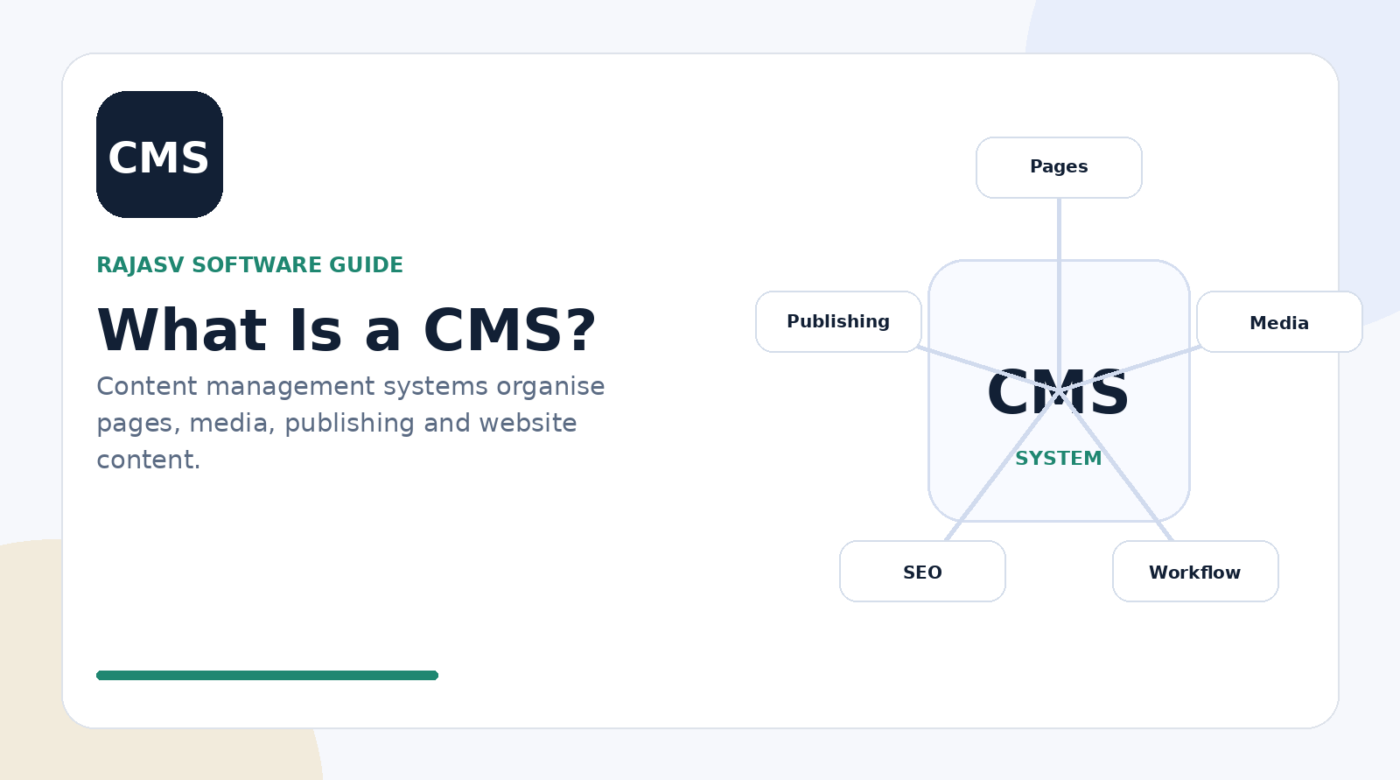
- Content: pages, articles, landing pages and reusable blocks
- Media: images, documents, video references and alt text
- Structure: categories, tags, menus and page relationships
- Users: authors, editors and administrators with different permissions
- Publishing: drafts, revisions, scheduling and approvals
- Metadata: titles, descriptions, slugs, social previews and other fields
Traditional CMS vs headless CMS
| Approach | How it works | Typical fit |
|---|---|---|
| Traditional CMS | Content management and website rendering are closely connected | Blogs, company sites, publishing sites and teams that want an integrated admin experience |
| Headless CMS | Content is managed centrally and delivered through APIs to separate front ends | Multi-channel products, apps, complex front-end stacks or organisations with dedicated development teams |
Neither approach is automatically better. A traditional CMS can reduce operational complexity for editorial teams, while a headless architecture can provide more front-end flexibility when the organisation has the engineering capability to manage it.
Why organisations use a CMS
The practical value of a CMS is repeatable publishing. Editors can use templates and content structures instead of rebuilding design decisions on every page. Roles and revisions can create accountability. Media can be reused. Navigation and metadata can be managed centrally.
CMS and SEO
A CMS does not guarantee search visibility, but it can make good technical and editorial practices easier to maintain. Useful capabilities include editable page titles and descriptions, clean URLs, canonical handling, structured data support, image alt text, sitemaps, responsive output and performance controls.
For AEO-style content, the CMS should also make it easy to publish clear headings, direct answers, structured lists, useful FAQs and trustworthy references without hiding the main information behind scripts or interactions.
WordPress as a CMS
WordPress is a CMS that manages posts, pages, media, users, taxonomies and site configuration. Themes control much of the presentation, while plugins can add specialised functionality. This separation is why a WordPress site can keep the same content while changing its visual theme or extending editorial tools.
How to evaluate a CMS
- Can editors create and update content without developer assistance for routine work?
- Does the content model match the types of information you publish?
- Are roles, approvals and revisions sufficient for your governance needs?
- Can the CMS support your required SEO and structured-data controls?
- How are performance, caching, security and updates handled?
- Which integrations are needed for forms, CRM, analytics, ecommerce or localisation?
- How easy is it to export or migrate content if requirements change?
Bottom line
A CMS is the operational system behind digital publishing. The best choice is not simply the platform with the longest feature list; it is the one that fits your content model, editorial workflow, technical resources and governance requirements while keeping everyday publishing efficient.
Sources & references
People also ask
Frequently asked questions
What does CMS stand for?
CMS stands for content management system. It is software used to create, manage and publish digital content.
Is WordPress a CMS?
Yes. WordPress is a content management system used to create and manage websites, including pages, posts, media, users and publishing workflows.
What is a headless CMS?
A headless CMS manages content separately from the presentation layer and exposes that content through APIs so websites, apps or other channels can render it.
What is the difference between a CMS and a website builder?
The categories can overlap, but a CMS focuses on structured content management and publishing, while a website builder often emphasises visual page creation and hosting convenience.
What should I look for in a CMS?
Evaluate editing experience, content structure, roles, workflow, media handling, SEO controls, security, performance, integrations, extensibility and operational ownership.