
Quick answer
Quick answer
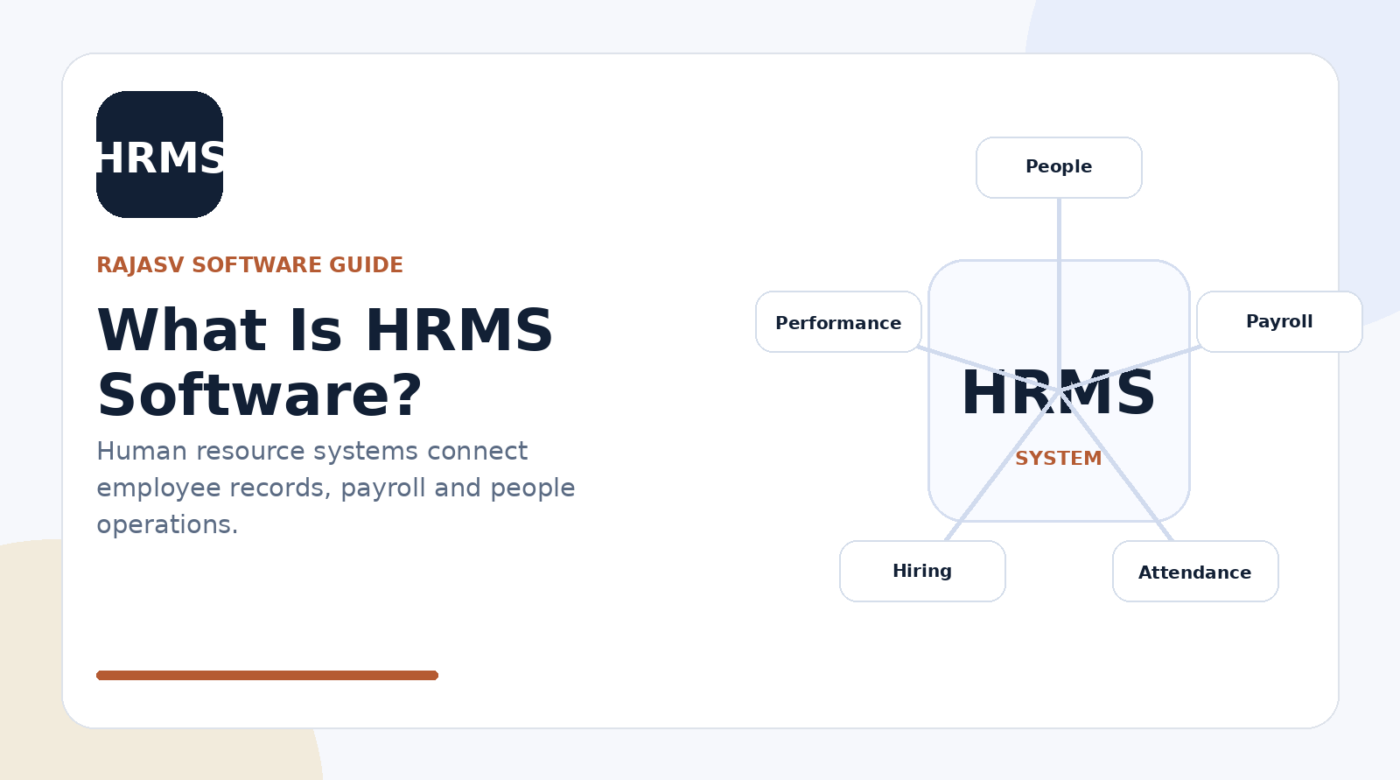
HRMS (human resource management system) software helps organisations manage employee information and automate HR processes. Common areas include employee records, attendance, leave, payroll, recruitment, onboarding, performance, learning and other parts of the employee lifecycle.
Key takeaways
- HRMS centralises employee data and core HR workflows.
- HRIS, HRMS and HCM are overlapping terms; vendors may use them differently.
- Payroll, attendance, recruitment and performance can be separate modules or connected products.
- Privacy, permissions, data accuracy and employee adoption are critical because HR systems contain sensitive information.
Human resources teams manage some of an organisation’s most sensitive and operationally important information: who works for the company, where they sit in the organisation, how they are paid, when they are absent, what roles are open and how employees progress.
HRMS software provides a system for managing those records and workflows. Instead of relying on separate spreadsheets, email approvals and disconnected tools, HR teams can use a shared platform for core employee processes.
What does HRMS mean?
HRMS stands for human resource management system. HRM software, HRIS and HCM are closely related terms. There is no universal feature boundary between them, and vendors often use the labels differently.
That is why buyers should compare actual capabilities, data models, local compliance support and workflows rather than assuming that every “HRMS” includes the same modules.
Common HRMS modules
| Area | Typical capabilities |
|---|---|
| Core HR | Employee profiles, organisation structure, job and employment records |
| Time & attendance | Shifts, attendance, leave, overtime and approvals |
| Payroll | Pay calculations, deductions, payslips and payroll processing or integration |
| Recruitment | Jobs, candidates, interviews and hiring workflows |
| Onboarding | New-hire tasks, documents and approvals |
| Performance | Goals, reviews, feedback and development plans |
| Learning | Training assignments, learning records and compliance learning |
Why organisations use HRMS software
- Create a consistent employee record instead of multiple conflicting files.
- Automate routine approvals such as leave, attendance corrections or onboarding tasks.
- Give employees and managers self-service access to appropriate information.
- Improve reporting on headcount, turnover, vacancies, attendance or other workforce measures.
- Connect HR processes with finance, identity management, learning and other enterprise systems.
HRMS vs ERP
Some ERP suites include HR and payroll capabilities, while other organisations use a specialised HRMS and integrate it with ERP finance. The architectural choice depends on functional depth, local payroll requirements, existing platforms, integration strategy and ownership.
HRMS vs LMS
An HRMS manages the broader employee lifecycle. An LMS focuses on learning delivery, courses, assessments and training records. Corporate learning may be a module inside an HR suite or a separate LMS connected to employee profiles.
Data and security considerations
HR systems deserve careful governance because they can hold identity information, compensation data, attendance records, performance information and other sensitive material. Access should follow job responsibilities, and administrators should understand audit logs, encryption, retention, backups, integrations and how employee data is exported or deleted.
How to evaluate an HRMS
- List the employee lifecycle processes that must be supported from hiring to exit.
- Verify payroll and statutory requirements for every country or region in scope.
- Map manager, employee, HR and payroll roles separately.
- Review integrations with finance, attendance devices, identity systems and learning tools.
- Test real approval workflows and exception scenarios.
- Check mobile usability for employees who do not work at a desk.
- Plan data cleansing before importing historical employee records.
Bottom line
HRMS is the operational platform for people-related data and processes. A successful implementation should reduce administrative friction while improving accuracy, employee self-service and governance. Because HR terminology overlaps, the safest evaluation approach is simple: compare what the system actually does against the workflows and compliance obligations your organisation must manage.
Sources & references
People also ask
Frequently asked questions
What does HRMS stand for?
HRMS stands for human resource management system. It is software used to manage employee data and HR processes.
What is HRM software?
HRM software is a broad term for software that supports human resource management. In practice, it can overlap with HRMS, HRIS and HCM terminology.
What is the difference between HRIS and HRMS?
Vendors use the terms differently. HRIS often emphasises core employee information, while HRMS may describe a broader suite including payroll, time, talent or other HR workflows. Always compare actual capabilities instead of relying only on the label.
Does HRMS include payroll?
Many HRMS suites include payroll or payroll integrations, but coverage varies by product and country. Payroll requirements should be verified carefully.
Why is HRMS security important?
HR systems can contain identity, compensation, attendance and other sensitive employee information, so role-based access, auditability, security controls and data governance are important.