
Quick answer
Quick answer
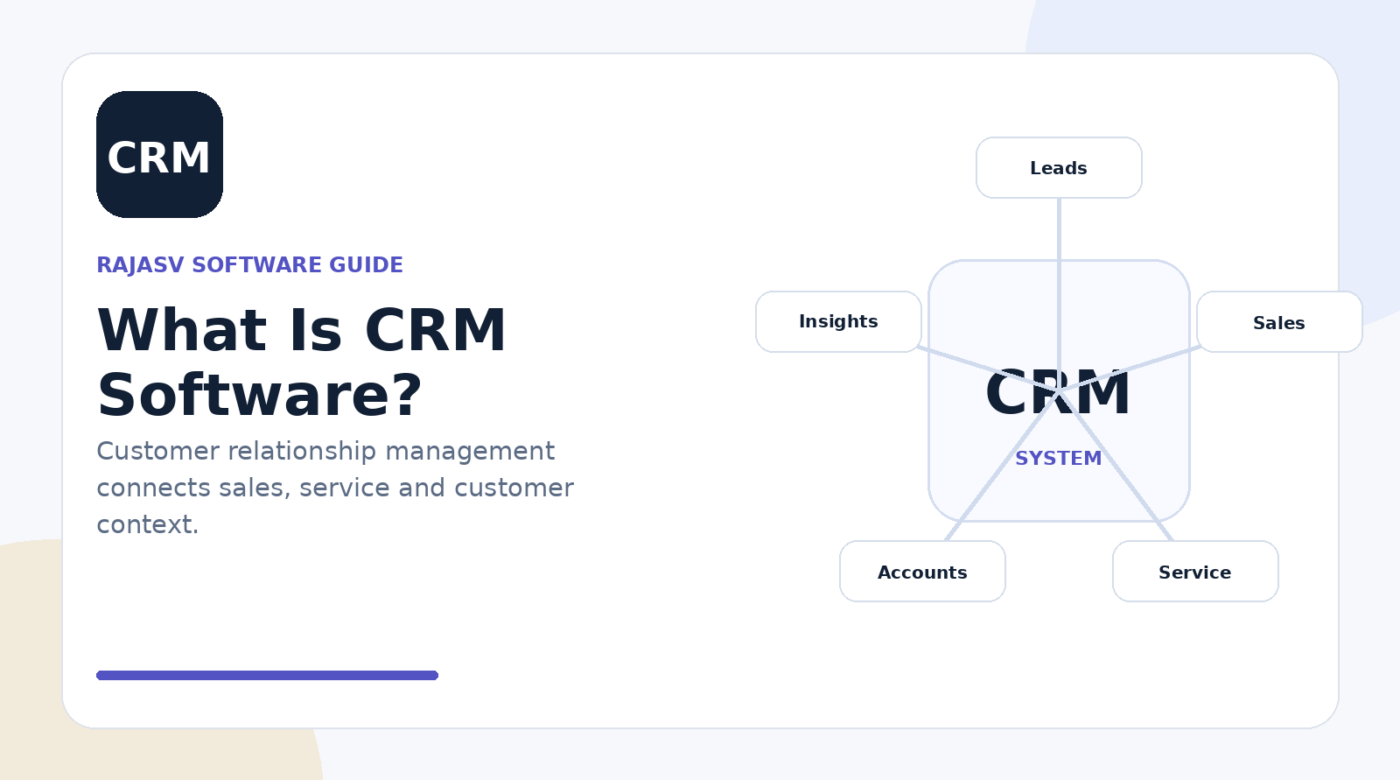
CRM (customer relationship management) software helps an organisation manage information and interactions related to prospects and customers. It typically supports sales pipelines, contact and account history, activities, service processes, marketing coordination and reporting.
Key takeaways
- CRM creates a shared view of prospect and customer interactions.
- Sales, service and marketing teams can use CRM data for different parts of the customer lifecycle.
- Good CRM adoption depends on useful workflows and reliable data, not just buying software.
- CRM and ERP often integrate: CRM manages customer-facing activity while ERP manages many back-office transactions.
A spreadsheet can hold customer names. An inbox can hold conversations. A calendar can hold follow-up reminders. But as the number of prospects, customers and team members grows, those pieces stop behaving like one coherent process.
CRM software brings customer-related information and work into a shared system. It helps teams understand who a customer is, what has happened in the relationship, what should happen next and who is responsible.
What does CRM mean?
CRM stands for customer relationship management. In everyday business usage, “CRM” often means a software platform used to store customer and prospect data and manage interactions across sales, service and marketing processes.
What information does a CRM store?
- People and contact details
- Companies or accounts
- Leads and sales opportunities
- Calls, emails, meetings and notes
- Pipeline stage and expected value
- Customer service cases or requests
- Campaign participation and marketing activity
- Tasks, reminders and ownership
The exact data model varies, but the goal is to reduce fragmented customer information and make important context available to the people who need it.
How a CRM supports the customer lifecycle
| Stage | CRM role |
|---|---|
| Lead generation | Capture and organise enquiries or prospects |
| Qualification | Record fit, needs and follow-up activity |
| Sales | Track opportunities, stages, products and next steps |
| Onboarding | Hand over context after a deal closes |
| Service | Track support requests and interaction history |
| Retention | Identify renewals, account activity and relationship risks |
Core CRM features
Most CRM platforms provide some combination of contact management, account management, pipeline tracking, tasks, activities, reporting and automation. More advanced platforms may add customer service, marketing automation, quoting, partner management, ecommerce connections, analytics and AI-assisted workflows.
Why CRM projects fail even when the software is good
CRM success depends heavily on whether the system helps users do real work. If sales representatives see the CRM only as a reporting burden, data quality usually suffers. If fields and stages do not reflect the actual sales process, dashboards become misleading.
- Keep required fields purposeful.
- Define clear stage-entry and stage-exit criteria.
- Automate repetitive updates where it is safe to do so.
- Integrate email, forms, telephony or other channels when they are genuinely part of the workflow.
- Give users reports that help them prioritise work, not only reports that monitor them.
CRM vs ERP
CRM and ERP often sit on different sides of the same business journey. CRM focuses on prospects, customers, opportunities and interactions. ERP software commonly handles orders, finance, procurement, inventory and other operational transactions.
For example, a sales opportunity may close in the CRM and create an order or customer record in the ERP. Later, invoice or fulfilment status may be surfaced back in the CRM so the account team can see relevant operational context.
How to choose a CRM
- Start with process: map lead capture, qualification, pipeline, hand-offs and service workflows.
- Define user groups: sales, service, marketing and managers may need different interfaces and permissions.
- Plan integrations: identify email, website, ERP, telephony, support and analytics connections.
- Set data rules: decide how duplicates, ownership, required fields and imports will be handled.
- Test reporting: make sure the platform can answer the management questions you actually have.
- Consider governance: access, retention, consent and security rules should match your data responsibilities.
Bottom line
A CRM is most useful when it becomes the shared operating context for customer-facing work. The goal is not simply to collect more customer data. The goal is to make customer information accurate, useful and actionable across the teams responsible for winning, serving and retaining customers.
Sources & references
People also ask
Frequently asked questions
What does CRM stand for?
CRM stands for customer relationship management. The term can describe a business approach, but it commonly refers to software used to manage customer and prospect data and interactions.
What is a CRM used for?
CRM systems are commonly used to manage contacts, accounts, leads, opportunities, activities, customer service cases, campaigns and customer reporting.
Who uses CRM software?
Sales, customer service, marketing, account management and leadership teams can all use CRM data, depending on the organisation.
What is the difference between CRM and ERP?
CRM mainly manages customer-facing relationships and sales or service activity, while ERP commonly manages back-office processes such as finance, procurement, inventory and operations.
Does a small business need a CRM?
A small business may benefit when customer information, follow-ups or sales opportunities become difficult to manage consistently in inboxes and spreadsheets. The appropriate system can be much simpler than an enterprise CRM.