
Quick answer
Quick answer
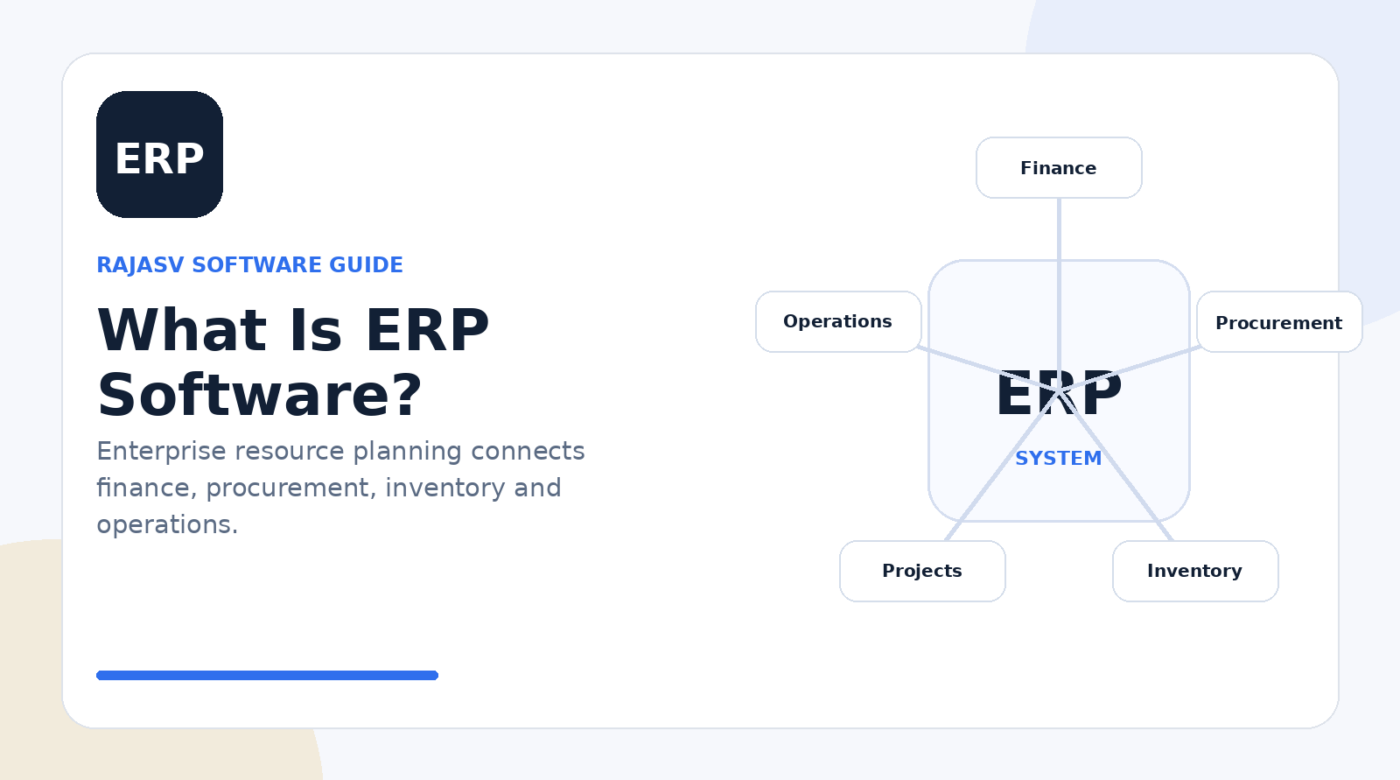
ERP (enterprise resource planning) software connects major business processes—such as finance, procurement, inventory, projects and operations—using shared data and coordinated workflows. Its main purpose is to reduce disconnected systems and give teams a more consistent operational view.
Key takeaways
- ERP connects multiple business functions around shared data and workflows.
- Common modules include finance, procurement, inventory, projects and supply chain.
- Successful ERP projects depend on process design, data quality, integrations, training and governance.
- The right ERP scope depends on business complexity; more modules are not automatically better.
When a company grows, its finance team, purchasing team, warehouse, project managers and operations staff often end up working in separate spreadsheets or applications. The result is familiar: duplicate data entry, inconsistent reports, manual reconciliations and delays between what happened operationally and what management can see.
ERP software is designed to reduce that fragmentation. Instead of treating finance, procurement, inventory and operations as isolated processes, an ERP system connects them through shared records, rules and workflows.
What does ERP mean?
ERP stands for enterprise resource planning. The name can sound abstract, but the basic idea is straightforward: an organisation uses a common software environment to plan, record and coordinate important business activities.
A modern ERP may include finance and accounting, procurement, order management, inventory, project management, manufacturing, supply chain, asset management and reporting. The exact mix depends on the vendor and the organisation.
How an ERP system works
ERP becomes valuable when one business event can flow through multiple departments without each team rebuilding the same information. For example, an approved purchase order can connect procurement, goods receipt, inventory records, supplier invoices and financial accounting.
- Shared master data: customers, suppliers, products, accounts and other core records are managed consistently.
- Workflow: approvals and hand-offs can follow defined rules.
- Transactions: operational events update the relevant records.
- Controls: permissions, approvals and audit trails can support governance.
- Reporting: managers can analyse data drawn from connected processes rather than isolated files.
Common ERP modules
| Module | Typical purpose |
|---|---|
| Finance | General ledger, payables, receivables, close and financial reporting |
| Procurement | Supplier management, purchasing and approvals |
| Inventory | Stock levels, movements, locations and replenishment |
| Order management | Customer orders, fulfilment and related operational steps |
| Projects | Project costs, resources, billing and financial tracking |
| Supply chain | Planning, logistics, manufacturing or distribution processes |
Why organisations implement ERP
The strongest ERP business cases usually focus on process and information problems rather than the software itself. An organisation may want to retire disconnected systems, shorten financial close activities, improve inventory visibility, standardise procurement or create consistent reporting across business units.
ERP can support those goals by reducing repeated manual work and making data available across connected processes. But software alone does not create good operations. Poorly defined processes can simply become poorly defined digital processes.
ERP implementation challenges to plan for
- Data migration: old systems may contain duplicate, incomplete or inconsistent records.
- Process redesign: teams must decide what should be standardised and what genuinely needs variation.
- Integrations: ERP may need to exchange data with CRM, HRMS, ecommerce, banks, warehouses or specialist applications.
- Permissions and controls: access should reflect responsibilities and separation-of-duties requirements.
- User adoption: training should cover real workflows, not only software screens.
- Scope management: trying to transform every process in one release can increase risk.
Cloud ERP vs on-premises ERP
Cloud ERP is typically delivered as an online service managed by the vendor or its infrastructure partners. On-premises ERP is deployed on infrastructure controlled more directly by the organisation. The right model depends on factors such as security requirements, customisation strategy, upgrade responsibility, integration architecture, regulatory constraints and internal technical capability.
ERP vs CRM: what is the difference?
ERP is primarily associated with internal business operations and resource processes. CRM software focuses on relationships and interactions with prospects and customers. Many organisations integrate the two so that sales activity, orders, billing, service and financial information can move across the customer lifecycle.
How to evaluate an ERP system
Start with business scenarios rather than a long feature checklist. Ask vendors to demonstrate how the system handles the workflows that matter most to your organisation: procure-to-pay, order-to-cash, financial close, inventory control, project accounting or another critical process.
- Which processes are in scope for phase one?
- What data must be migrated and who owns its quality?
- Which integrations are essential on day one?
- What reporting and audit requirements must be supported?
- How are upgrades, customisations and extensions managed?
- What implementation, training and support resources are required?
- How will success be measured after go-live?
Bottom line
ERP is not simply a large accounting application. It is a way to connect core business processes around shared data and controlled workflows. The best implementation is not the one with the most modules; it is the one that solves clearly defined operational problems with a scope the organisation can govern, adopt and maintain.
Sources & references
People also ask
Frequently asked questions
What does ERP stand for?
ERP stands for enterprise resource planning. It describes software used to manage and connect core business processes across an organisation.
What is the main purpose of ERP software?
The main purpose is to create coordinated processes and a more consistent source of operational data across departments such as finance, procurement, inventory and operations.
Is ERP only for large companies?
No. ERP products exist for smaller organisations as well as large enterprises, although the required scope, cost and implementation complexity can differ significantly.
Is ERP the same as accounting software?
No. Accounting can be one ERP module, but an ERP system typically covers a wider set of connected processes such as procurement, inventory, projects or supply chain.
What should a company prepare before ERP implementation?
Define business processes, data ownership, integration requirements, roles, reporting needs, migration rules, testing, training and measurable outcomes before configuration begins.